Calendar
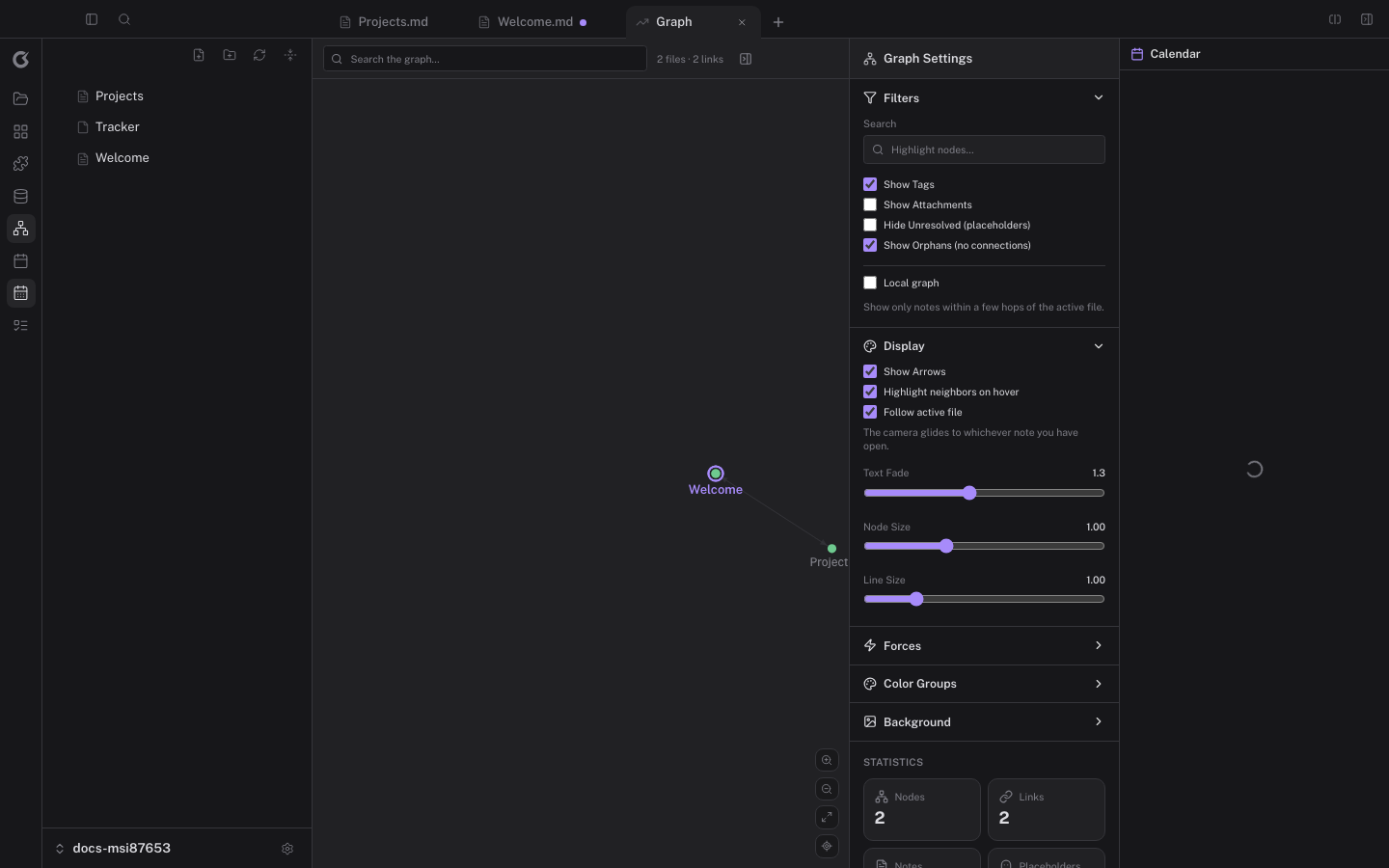
Lokus puts your calendars inside your knowledge base: events show up in the sidebar, in the agenda, and on a full calendar view — next to your notes and tasks.
Calendar is an advanced feature: enable it in Preferences → Advanced features, then connect accounts in Preferences → Connections.
Supported providers
Section titled “Supported providers”| Provider | How it connects |
|---|---|
| Google Calendar | OAuth sign-in; all your Google calendars |
| iCloud / Apple Calendar | CalDAV with an app-specific password |
| Any CalDAV server | Fastmail, Outlook, self-hosted (Nextcloud, …) |
| ICS feeds | Read-only subscription by URL |
You can connect multiple accounts at once; events keep their source’s color.
- Month / Week / Day — the full calendar view (
Calendarin the left ribbon). Drag events to reschedule where the provider allows it. - Agenda panel — a compact “what’s next” list in the right sidebar.
- Widget — a mini month view for quick jumps.
Tasks on the calendar
Section titled “Tasks on the calendar”Tasks from your notes (with due dates) and kanban cards can appear alongside calendar events, so your day shows both commitments and intentions. Toggling which sources appear is in the calendar view’s filter menu.
Daily notes integration
Section titled “Daily notes integration”Jumping to a daily note lands on today’s date; the calendar’s day cells link straight to the matching daily note, and the daily note shows that day’s events.
Where your calendar data lives
Section titled “Where your calendar data lives”Connected accounts are stored in your system keychain where available; event data is cached locally for offline viewing and refreshed on a schedule. Removing an account deletes its local cache.